FSD 14.3.13
Firmware
2026.38.5.102026.38.5.11
Release Date
No community videos for this version yet. Be the first to share yours!
- Full Self-Driving (Supervised) v14.3.13 includes:
- Upgraded the Reinforcement Learning (RL) stage of training the FSD neural network, resulting in improvements in a wide variety of driving scenarios.
- Upgraded the neural network vision encoder, improving understanding in rare and low-visibility scenarios, strengthening 3D geometry understanding, and expanding traffic sign understanding.
- Rewrote the AI compiler and runtime from the ground up with MLIR, resulting in 20% faster reaction time and improving model iteration speed.
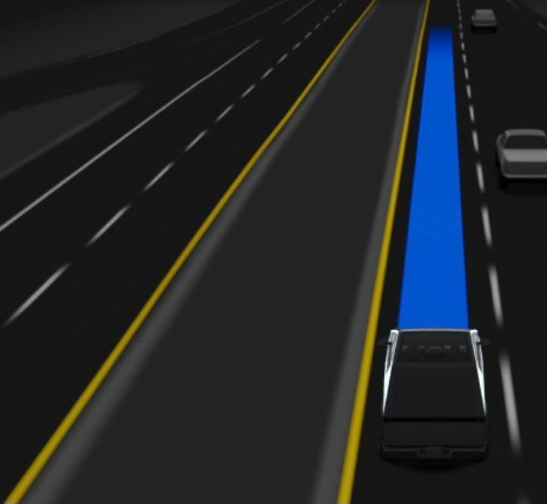
- Mitigated unnecessary lane biasing and minor tailgating behaviors.
- Increased decisiveness of parking spot selection and maneuvering.
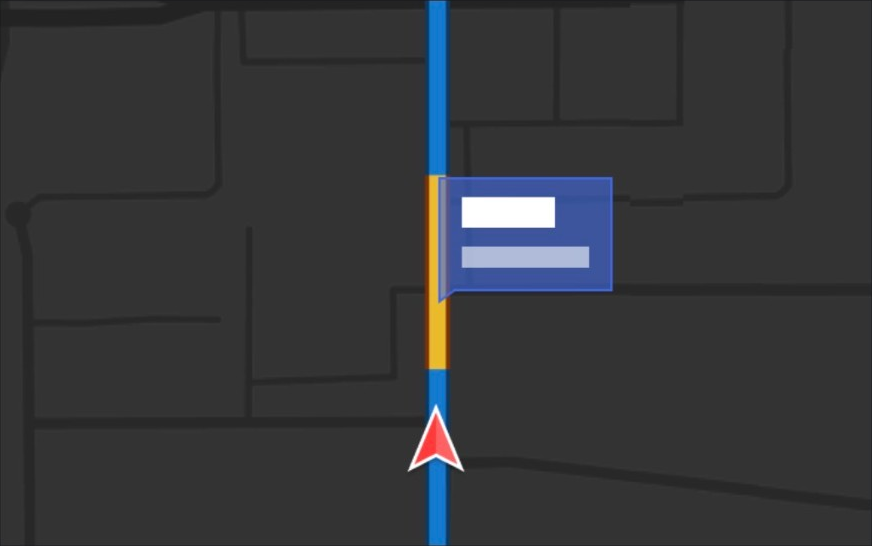
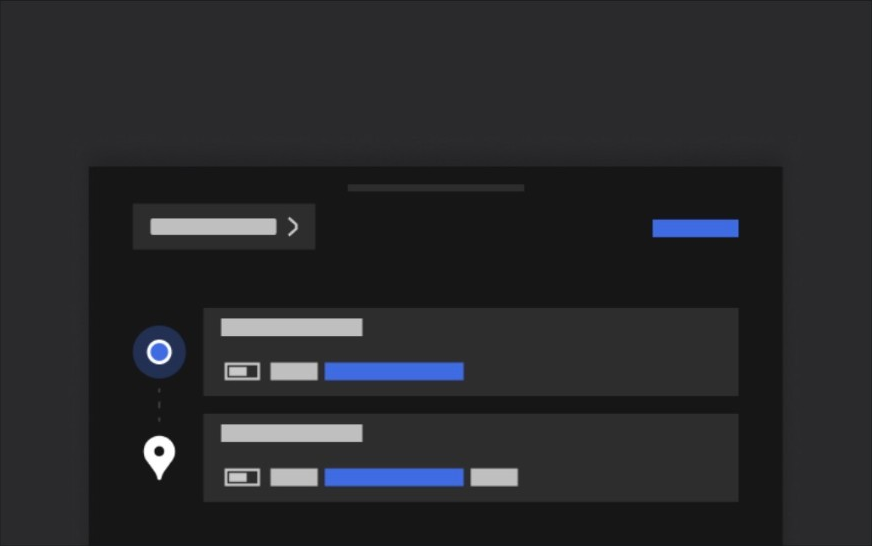
- Improved parking location pin prediction, now shown on a map with a P icon.
- Enhanced response to emergency vehicles, school buses, right-of-way violators, and other rare vehicles.
- Improved handling of small animals by focusing RL training on harder examples and adding rewards for better proactive safety.
- Improved traffic light handling at complex intersections with compound lights, curved roads, and yellow light stopping — driven by training on hard RL examples sourced from the Tesla fleet.
- Improved handling for rare and unusual objects extending, hanging, or leaning into the vehicle path by sourcing infrequent events from the fleet.
- Improved handling of temporary system degradations by maintaining control and automatically recovering without driver intervention, reducing unnecessary disengagements.
- Improved driver monitoring system sensitivity with better eye gaze tracking, eye wear handling, and higher accuracy in variable lighting conditions.
- Unified the model between Actually Smart Summon, FSD, and Robotaxi for more capable and reliable behavior.
- Actually Smart Summon max speed is now increased to 8mph (13km/h).
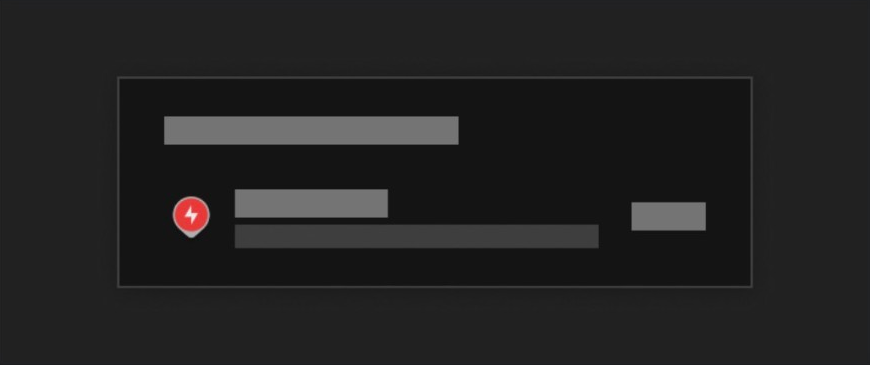
- Help Tesla improve Self-Driving by selecting an intervention reason on the main screen after taking over.
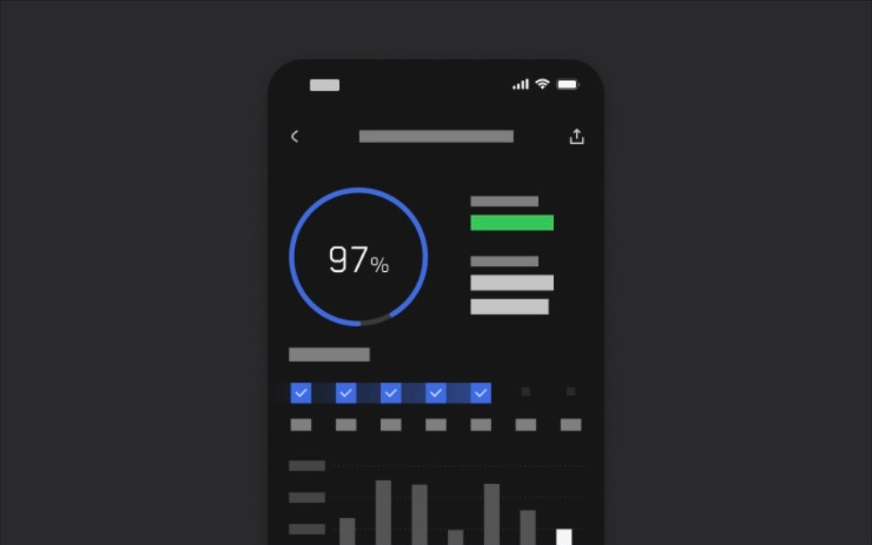
- You can now see distance traveled in FSD (Supervised) without an intervention. The Self-Driving App will also show your longest intervention-free streak.
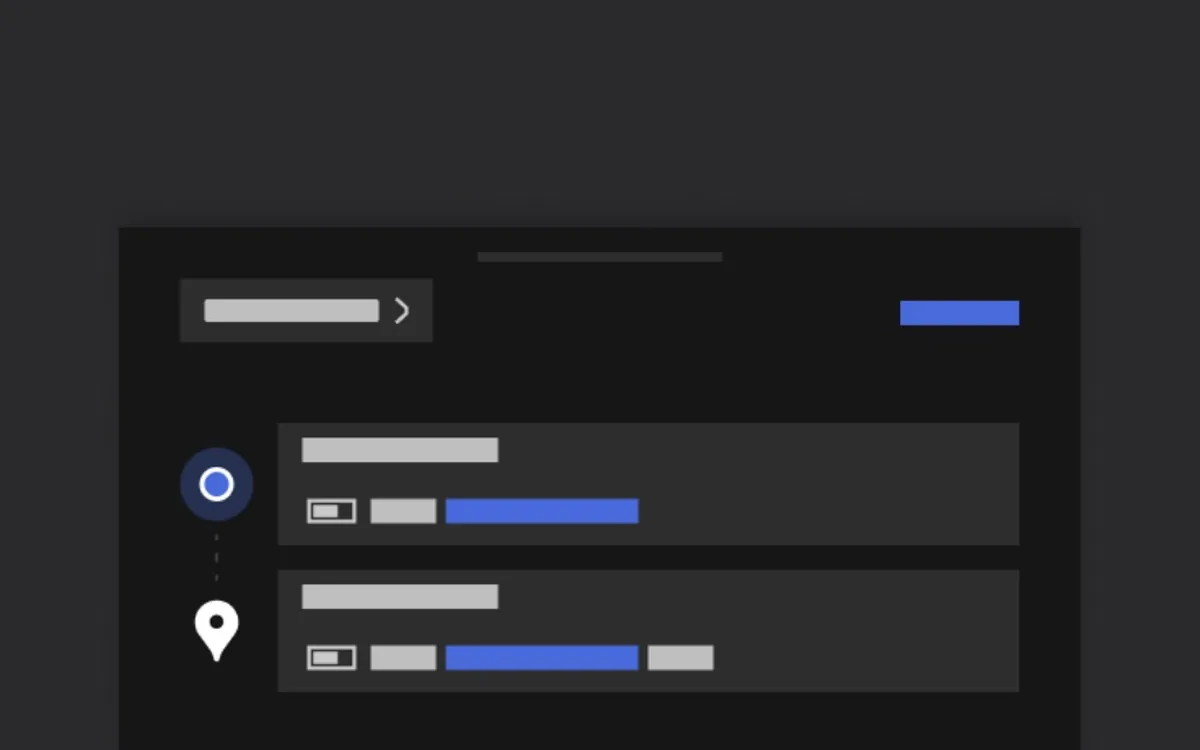
- Parking options now display on the map when arriving at your destination.
- Expand reasoning to all behaviors beyond destination handling.
- Add pothole avoidance.